A Twittering Hypocrite


I've avoiding signing up for a twitter account. I don’t see the attraction at all. I don’t see the value in it; personally or as a tool I can use with students. I can't imagine anyone being interested that I'm drinking chocolate milk as I write this (Chocolate Caramel Quick, and lots of it, actually).


Twitter has spread quickly across the blogosphere and I've been uncomprehending as I've watched this happen. Alan has been writing a lot about twitter. In a recent post I asked him about it and he wrote a great reply. (Thanks for that.)


The tipping point for me was Alan's comment: "you cannot really talk about the game of ed tech as a spectator."


So, now I've got a twitter account. To properly appreciate the twitter experience you need a friends list. So, I started off "befriending" a number of people. Given my recent post about Friends, I guess this makes me a hypocrite.


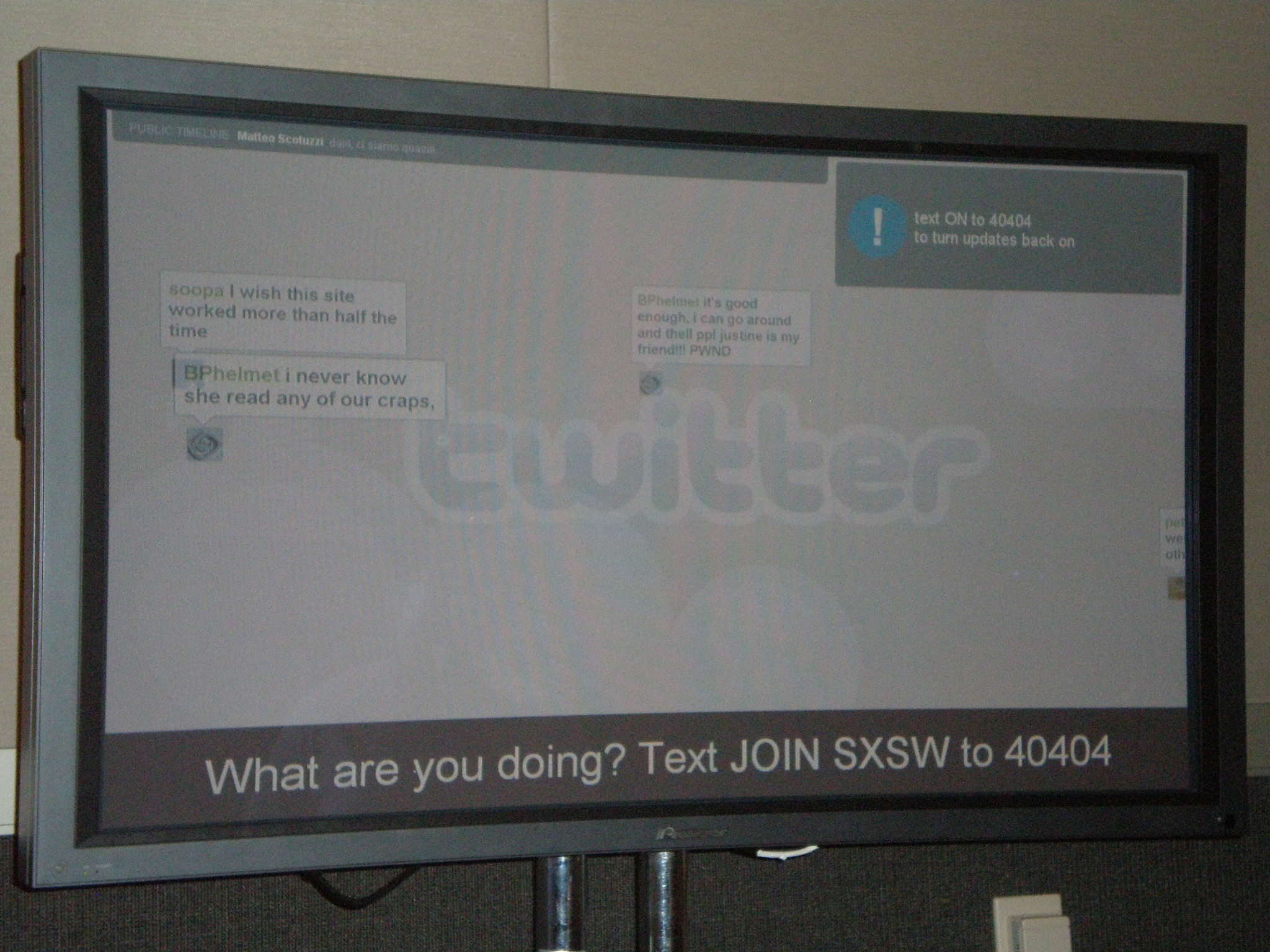
I'm also thinking that twitter has at least one potential benefit to the classroom. It also provides a means to get students using their cell phones in an educationally meaningful way. Using twittercamp to display people's twits (?) (if that's the right vernacular it's most unfortunate ;-)) can be a way to give voice to the quieter students in class. If I have them working in groups on a problem and at least one student in the group has a cell phone, they can twit their ideas and we can have them displayed for all the class to see on the SmartBoard. (Any type of projection screen should work just as well.) This also aligns well with the the atelier model I've been working hard to bring into my teaching.


I guess I'd need them to all get twitter accounts and teach them how to use their cell phones to twit but I think there's some potential here. Hopefully it's not a long distance call to twit.


SmartBoard Day 1


As I walked down the hall towards my classroom early Friday morning the door of my classroom was wide open. A couple of students were standing in the hallway peeking in. I walked in and there was Chris VanCrynest, our tech, just finishing with the software installation for my brand spanking new SmartBoard! I don't know what I'd do without Chris. Every time I come to him with some new hairbrained scheme involving technology in my classroom he says "No problem."


The SmartBoard is permanently installed at the front of the room and I've got a wireless mouse and keyboard. It took some getting used to. I tend to write on the board while resting the side of my hand on it and with a SmartBoard you can only touch one spot at a time. I'm also just learning the software and what it can do, so, that first day, teaching was a little slow. ;-)


The kids were crazy excited too. Everyone wanted to touch it ... and they did. ;-) Several teachers walking by in the hall couldn't help but notice the projector hanging from the ceiling and walked in to try it out too.


Not knowing exactly how this was going to work I gave one kid the mouse and another the keyboard. In my first class we had a lot of notes to catch up on. This is my Pre-Cal 40S which I'm podcasting this semester. I forgot to plug in the bluetooth headset to recharge overnight and we had trouble configuring the software to record the podcast with another headset before class began so unfortunately the audio from this class was lost.


Anyway, I set up the notebook software with 12 blank pages and, at first, wrote notes on the board they way I normally do (slide 1 below); although I did stumble a bit interacting with the board ... I could "feel" myself learning as we went along.


By the time I got to the second slide I started using the handwriting recognition software to convert some of my chicken scratches into text. By the third slide the student with the keyboard started typing over my fumbling errors. The fourth slide shows how it ended. I dictated the notes while a student typed them up on the screen for all of us to see. The only time I wrote on the board was to put a box around an important point. The kids also taught me how to change the text colours to more than just the four (black, red, blue and green) the "markers" are preset to write with. That's how we got purple into that last slide.


In my next class I tried something different. I'm still thinking of ways to incorporate the atelier method into my teaching. We're preparing for a test on Monday. I made four slides each with a problem on it. The class was divided into groups of four. It was a race to see which group could solve each problem first. As they did so, one student went up to the board to write their solution. They were hesitant at first. ("How do I know if I'm right?" ... "We'll find out together.") After their solutions were displayed we went over them. I first pointed out the things I thought were good about each solution and then moved on to ways it could be improved. The students seemed to feel more comfortable sharing the different ways they approached solving the problems. The discussions were rich, the students were attentive and, when it was all over, everyone agreed they had learned a lot and enjoyed this style of learning. We only got through two problems but they served as leaping off points for some great conversations and learning.


After each class I saved the notebook (year.month.day.course) and a pdf copy as well. The pdf version was uploaded to my SlideShare account and published to each class blog. (I leave Firefox open and logged in to my SlideShare account to make it pushbutton easy.) I hope to do this with every class each day.


This weekend Terry Kaminsky from Alberta sent my his gallery of SmartBoard math tools (Thanks Terry! Lots of great stuff in there!) and I've started listening to the SMARTBoard Lessons Podcast (blog) by Joan Badger and Ben Hazzard. Sure enough, this is the very same weekend they sent some "blog love" my way. (Thanks guys ... right back atchya! ;-))


I've looked at the teaching resources available at the SMART Technologies website for Canadian Secondary schools and there's not much there. Joan and Ben's site seems to be a better resource. If for nothing else than to help teachers using interactive whiteboards to connect. I was also impressed with the stuff Terry shared with me ... there should be a wiki somewhere, where teachers using these boards can store and share the lessons/resources they have made.

Developing Expert Voices ... Playing With Boundaries


Finite players play within boudaries. Infinite players play with boundaries.


Building on my previous post, I've been thinking about ...


  • » Clarence's work with the atelier method of teaching and how he sees himself as a network administrator.

  • » George had mentioned the work of John Seely Brown at dinner last week. So I listened to this podcast.

  • » I have mentors for my students (Lani and Emina) but I'd like to develop mentorship amongst my students. I believe they learn deeper when they have to mentor someone.

  • » The Flat Classroom Project. Julie and Vicki have posted the podcast they did with Terry, Jeff, Jo and I. They are thinking hard about how to make the project replicable, scalable and sustainable.

  • » Chris left a comment on my earlier post to which I replied saying we could make this work across grade levels.

  • » A while back, Robert Jones' kids from Scotland were leaving comments on my kid's blog and my students reciprocated. Robert and I talked about collaborating but one thing led to another and we didn't follow up on it.


In order to move the Developing Expert Voices assignment beyond my classroom walls I don't need another class of students. Each of my students needs at least one partner in another class somewhere. If there is a critical mass of teachers on board with this idea then, between us, we work the network to find partners for each of our kids. So, in one of my classes, my students might collectively be collaborating with 10 or more classes from all over the world. Moreover, partners do not need to be in the same grade or studying the same material; as their network administrators we align the curricular content along thematic lines.


For example, let's say a grade 7 student (12 years old) partners up with a grade 10 student (15 years old). The topic is operations (add, subtract, multiply, divide) on rationals (fractions). The grade 7 student develops content using integers. The grade 10 student does exactly all the same thing using algebraic expressions. Together, they put together a presentation that is published online using free tools and aggregated on a blog somewhere.


Working with other students from elsewhere and publishing their work online for a global audience motivates kids to learn hard; to do their best work and make certain it is error free. The older student may know more math, the younger student may know more technology tools. (At least, this is what some of my students tell me.) The kids make curricular connections across grade levels and the mentorship experience grows both kids in ways beyond just learning the math.


The boundaries between classrooms blur.


The boundaries between teachers blur.


The boundaries between grades blur.


The boundaries between students blur.


Learning crystallizes.


Any takers?


Update - February 2, 2007


Just built a wiki to help organize this over at wikispaces. If you're serious about participating add yourself to the list. ;-)